PRINTING DIGITAL TO 16MM FILM
The idea of printing digital footage to film, and then scanning it back, is not a new idea. It’s been most famously used for Dune, shot by the great great great great Greig Fraser, which they shot digitally and they printed it onto film, and scanned that film back to digital. Also, most recently, Justin Bieber’s YUKON music video has done the same thing. And guess what, so have I :)
In my, albeit, limited time in this whole industry I’ve gotten to make some good friends and meet with some people, one of them being Blaine Westropp. In Discord, in his group we talked about this process, and that Cinelab in Boston actually offers it, and we should try it. So, naturally, I jumped on board and joined the experiment. We printed digital footage onto 16mm Kodak Vision3 250D. I sent about 1 min of footage, which has cost me about 66 freedom units, but we’ll talk about cost after the image and the why of it all.
The results… amazing! Learned a lot, helps a lot with creating an “accurate” emulation process, and not just that, but if the project allows it, it is a great way to give the footage… more life.
Of course, I’m not saying this is the same as shooting film, it’s not, it’s definitely not. The reason we shoot film isn’t just because we want the look. It’s about the intention, it’s about the details, and the process of it, it’s about everything. This is just a way to add more life to the “lifeless” digital image. Life and lifeless apart is, of course, open to discussion. But the printing of digital to film is a lot more cost effective, it gives a bit more life, and still preserves the advantages of digital.
If you want to just take a look at the footage, here is my video on it.
https://www.youtube.com/watch?v=as1tRkbi_4k
And this is Blaine’s video, which is far more comprehensive than mine.
Why
Let me explain why I chose to do this, so that we have more context.
I, like many others, am very deeply connected to and impressed by the film look, and of course I want to be able to recreate it, but not go bankrupt in the process. So this felt like a really good idea to try out, to profile the look, and also get a feel of how it works and how it should be done, and all that jazz, so that it’s a great reference for future projects, whether I’m behind camera or on the wheels.
Process & Tips
I sent three different looks: straight, balanced, and well exposed Rec.709 (which is recommended), a basic grade, and a full-on “film emulation” with grain and effects and all that.
Ah, I wish I had used the same frame, but you get the idea.So, what did I learn?
Rec.709 yields the best results, because it kind of simulates a “real” film workflow. Because we are seeing “real life”, and that is being printed on film. Doing a log scan is just waaay less contrasty, and you can’t really get anything out of it. Giving it a finished grade is just way too contrasty, saturated, and grainy to the level that is not very usable, of course unless you are going for a very stylized look, then that could be a great idea!
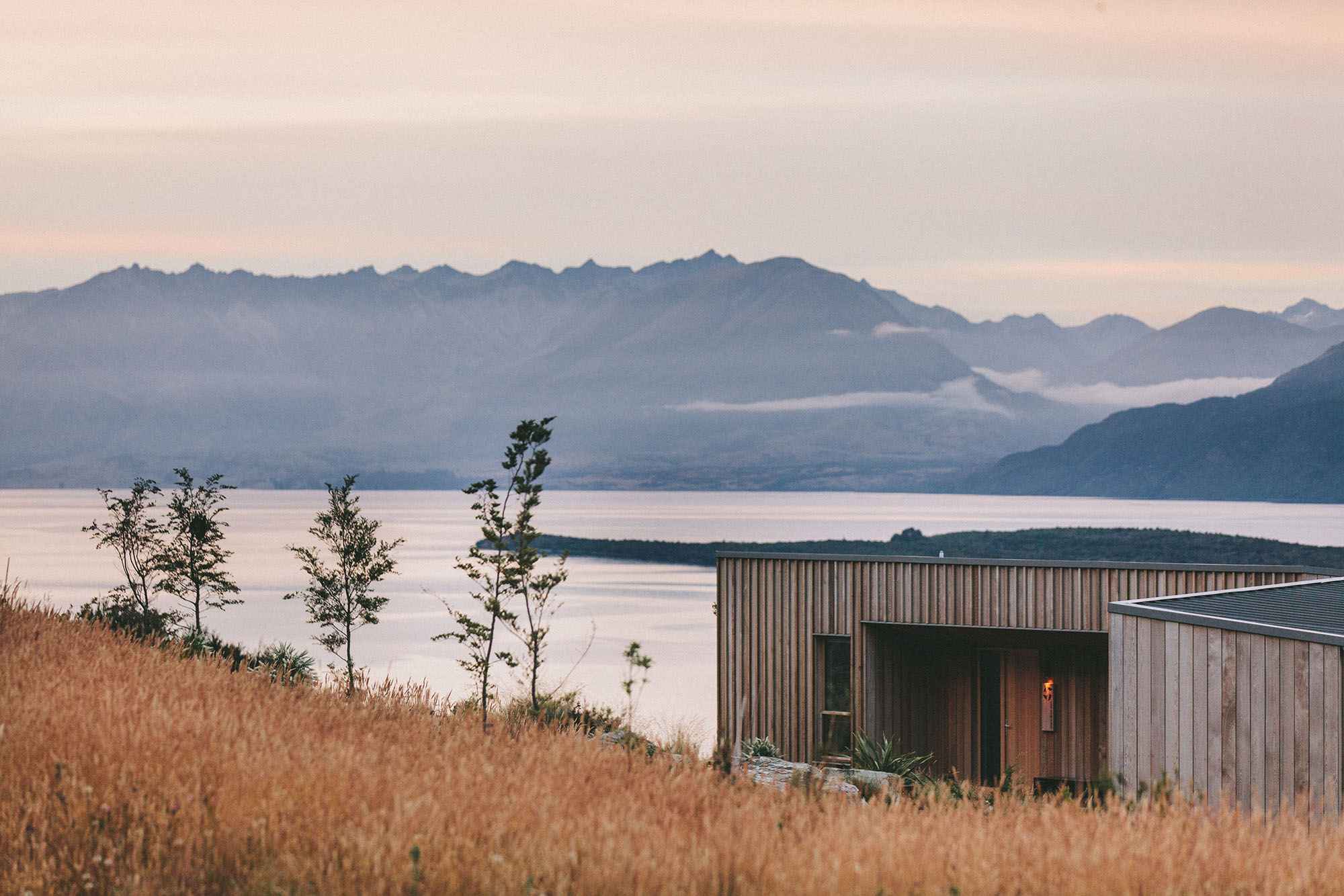
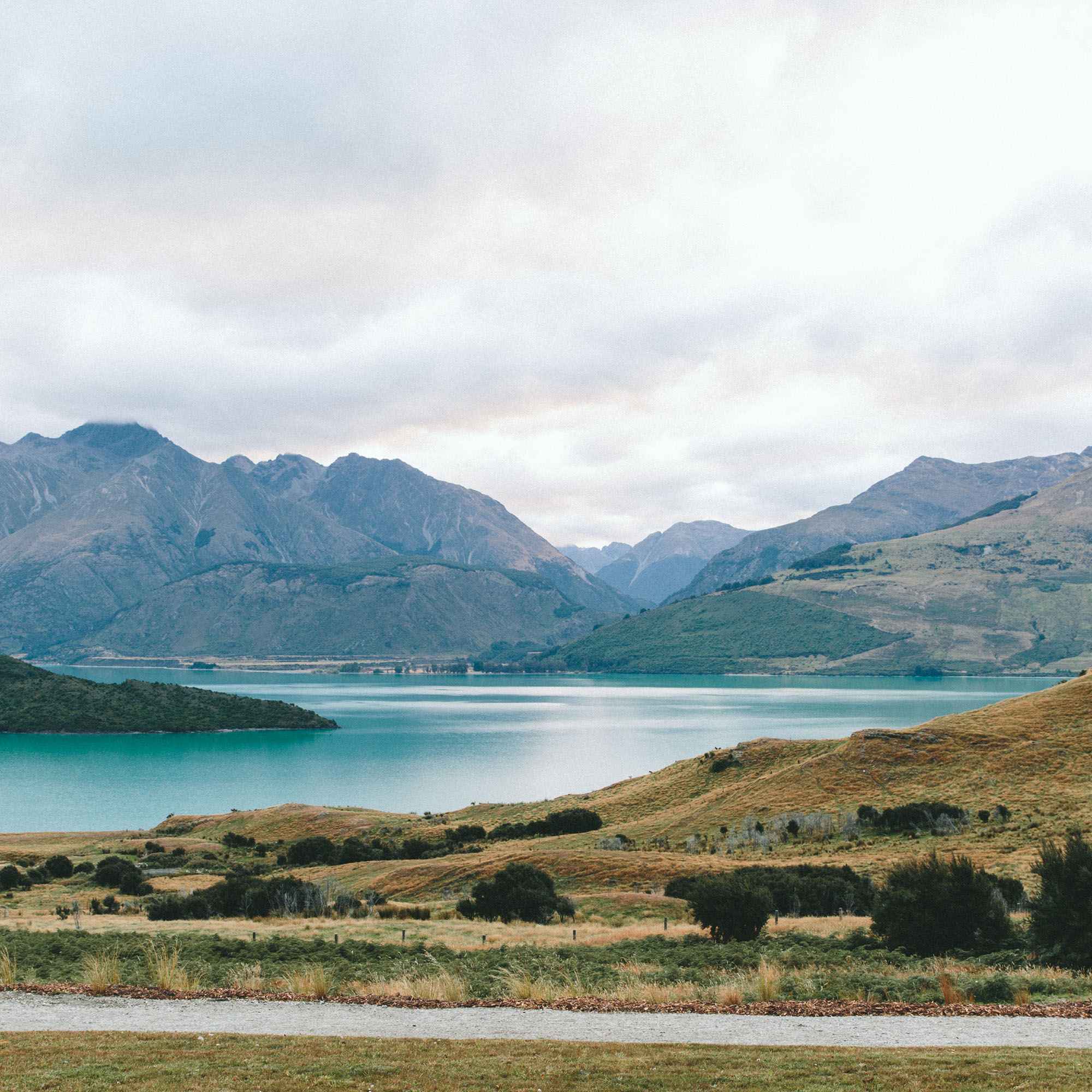
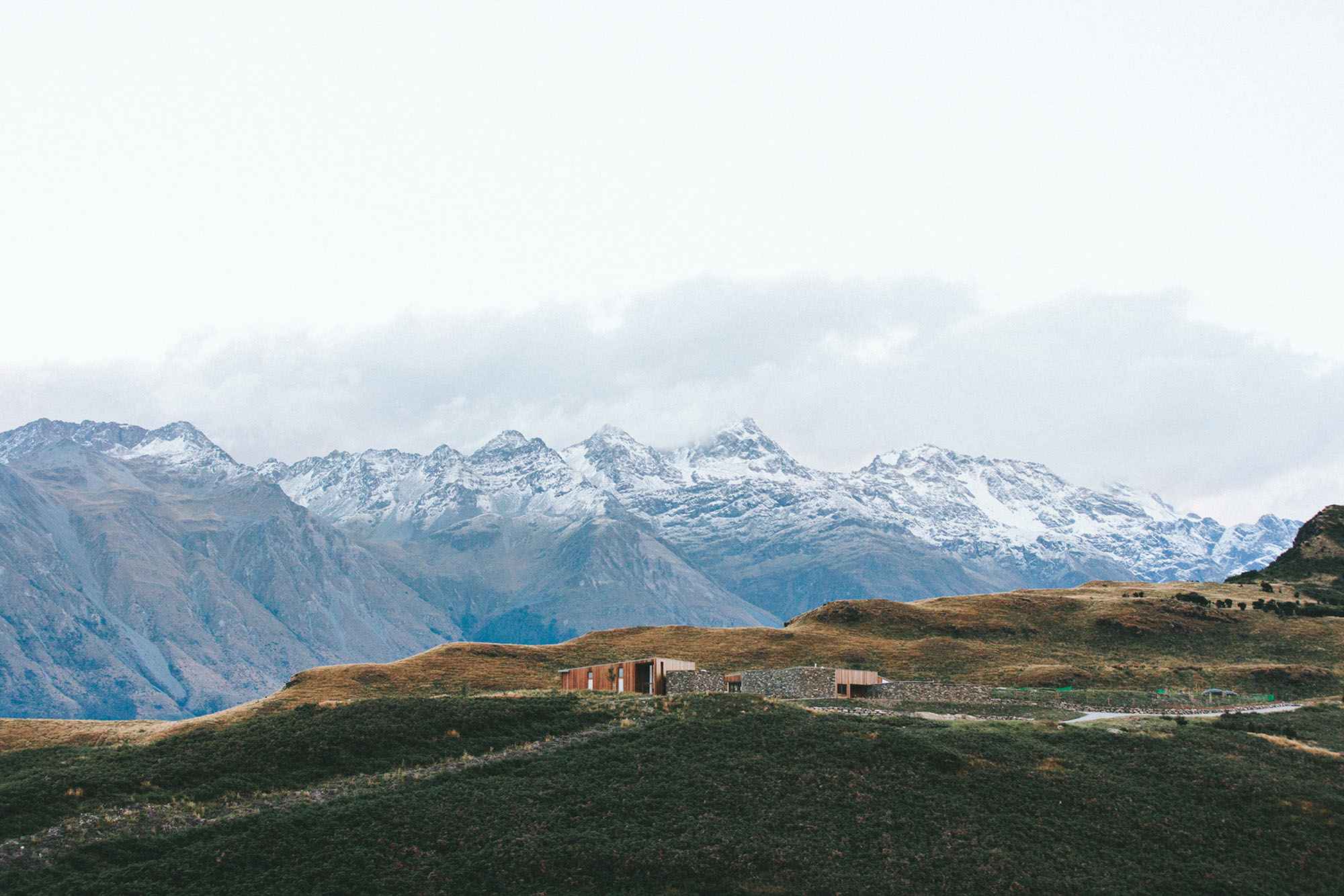
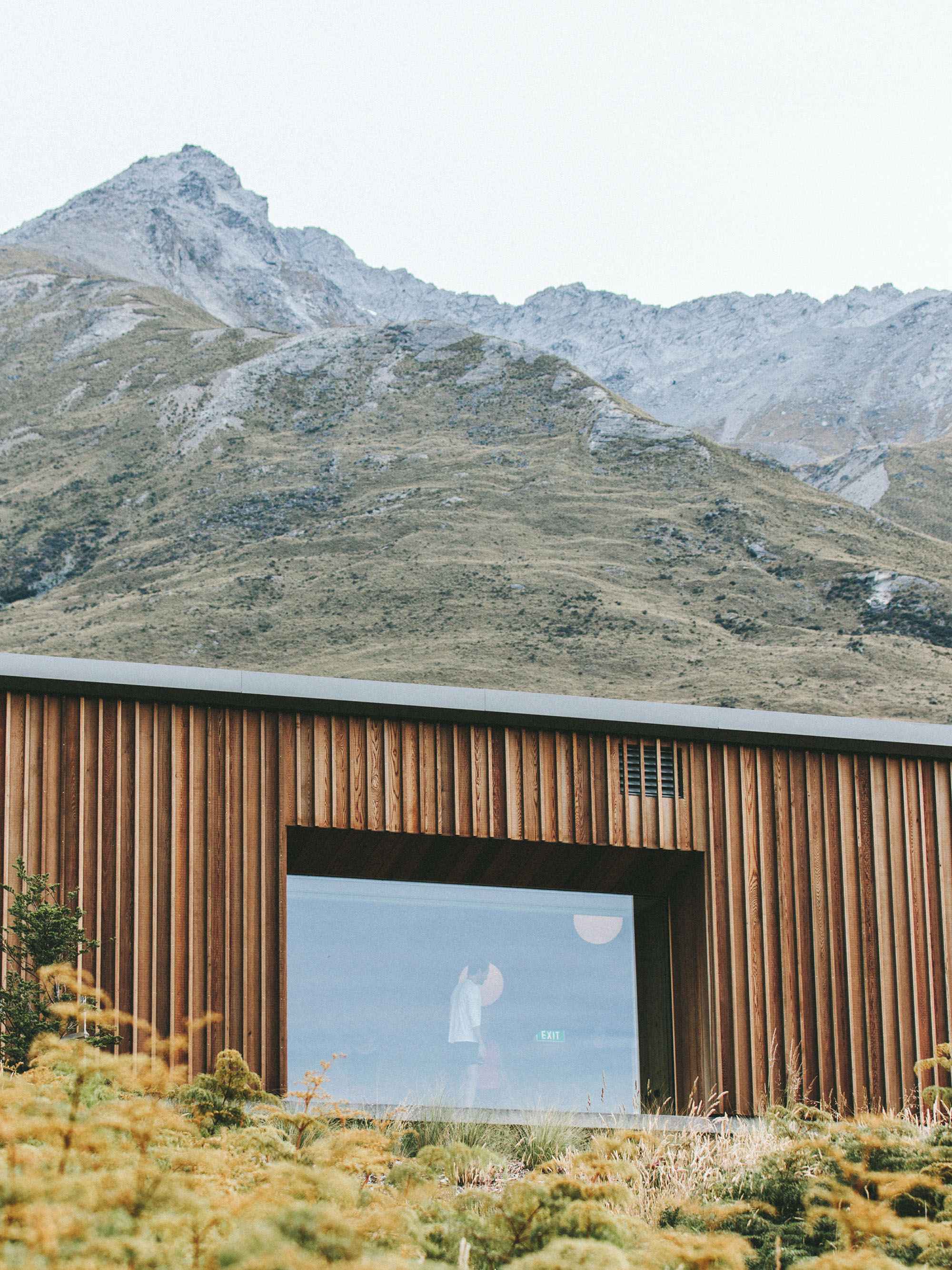
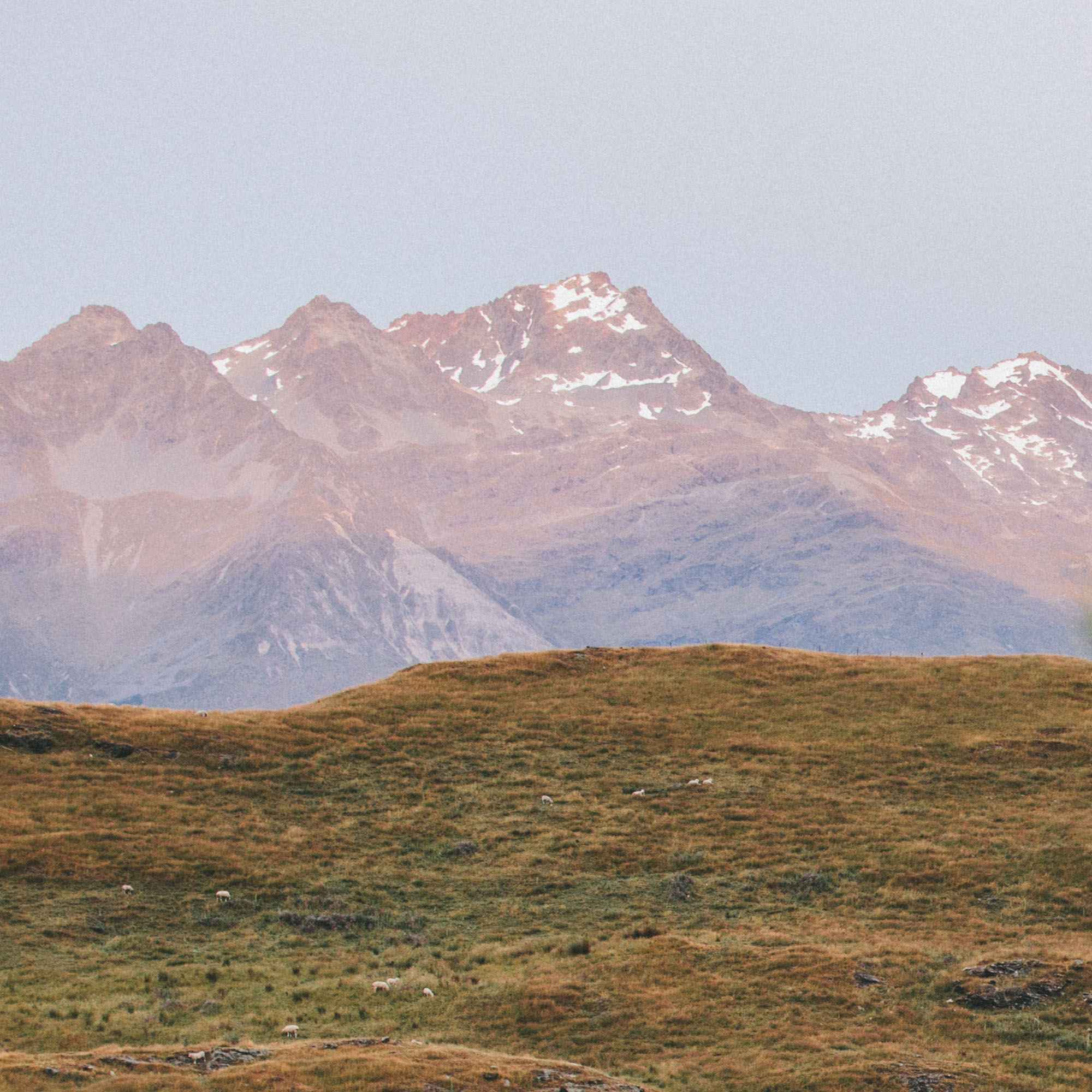
Image
Grading the Print
Okay, the grading of the film print is pretty straight forward. BUT we have so many points to consider! Mainly, there are many ways to grade the film footage. This could be with a straight CST, just curves, maybe a 2383, or a 3513… there are A LOT of combinations and ways on how to convert that footage.
The grading process isn’t different at all than a normal film or digital footage. It’s the same, so you can do your normal stuff, masks, balance etc. just like you do.
My personal favorite is CST and curves. I find 2383 and 3513 to be a lil too contrasty for my taste.
LUT / Emulating the Look
So naturally, I have created a LUT that emulates this look. Why? Well, even though this is way less expensive than shooting on actual film, it’s still not cheap. And I don’t think it’s very plausible that low-budget productions will be doing this. So creating a LUT and a grade based off of this just opens up a lot more doors for me, for you, for everyone. Now if someone wants to do this, but do it more cost efficiently, I would say, let’s go.
But since we have so many options of CST or curves or whatever whatnot, I have decided to create basically three looks:
A negative print, a CST look, a curves look, which are the base looks.
And also added a pass of 2383 D55, D60, D65 and a 3513 D55, D60, D65.
I’m much more of a fan of the “base looks”, but having options never killed anyone, I think… I hope.
Negative LUT
So if we choose the negative look to emulate, and then go into the CST or 2383, whatever it is, the workflow I use is like this:
I will group every clip together (like I always do) and I’ll just add a CST to turn them into the color space and gamma that I want (which in this case is LogC3), and I’ll just use the LUT in the second node, and voila! We basically have a negative right now.
So the negative look is always the same, whether it’s real film, whether it’s Filmbox, or digital to film, or this emulation, it’s the same…
Since we are literally doing this exact workflow, at the end output we can use whatever we want, whether a CST, or a curve, or 2383, etc., etc… possibilities are endless.
Built-in Look LUTs
Or we can go the other way, with the “built-in” looks. Basically the not-negative looks.
This workflow is just the same, this is basically a Rec.709 conversion, so it goes to the end of the node tree, where your normal CST or LUT would go.
Monitoring LUTs
I also have created some monitoring LUTs for them, meaning the DP can load it into the monitor/camera and just monitor with that look, and depending on what they choose, we can continue with that look.
Example: you like the CST more, so you shoot with the CST look on the day, so you know how the image will react, and voila, our job in post is much easier.
I use these on my own projects and it has been much more helpful. And I always recommend shooting with monitoring LUTs of the look, because it just makes everything so easy.
But of course, I’ve gotten to know the industry a lil more over this year, and I know that it is not always possible to do that. Maybe the colorist comes in way later, blah blah, anything can happen, but hey, just as an info.
Texture
So the look part is only half of the whole story. The real name of the game is TEXTURE. One of the biggest reasons we love film is because of its texture, because of how alive that grain and halation feels. So emulating that is a BIG part of the whole look.
Well, thanks to a lot of hours of staring at my screen, and some help from some more eyes, I have finally cracked that code… not. Well, kind of. I think I got a good texture to it, which kind of looks like this:
omg wow he’s spilling the tea, not gatekeeping, let’s goooo… I actually stole this technique from like 3 different people :)
But all jokes aside, this is the way I found it to be the most accurate, and the key element here is softness. The reason why I go to grain first is it gives a good base to the image, and we can totally play with the softness slider. And I found it to be similar, but somehow, I don’t know why, maybe I’ve been influenced by other people, I found the normal softness, after the first grain + halation pass, to be the more pleasant look. And also it’s a lot easier to dial in the softness. And then add the second layer of grain, and voila.
This gives the image kind of a thickness that I thoroughly enjoy, but let’s compare these, so maybe I’m totally wrong and you see something else.
Pros & Cons
I mean, there are not a lot of pros and cons that I didn’t talk about up until now. Pros are basically a great look and feel without being too expensive. You can of course digitally emulate it, but it’s still not quite the same, but even doing that is marginally more cost effective than shooting on real film.
Again, I’d like to point out that this is NOT a replacement to shooting on real film, and it’s NOT the same, but a great alternative.
I guess the only con would be… I actually don’t know hahaha
If you find any pros and cons that I can’t, let me know :)
Price
Ahhh alright, so it looks like this:
What About 35mm
Yes! Exactly! That’s in the planning phases too, because I’m such a 35mm sucker. My heart lies with 35mm, and I will definitely get to doing that too! I have a baseline there thanks to 35mm photography, but that whole process is different than motion picture film, so more experimentation has to be done there.
But this gives a pretty good idea about colors, and the texture, and you know, just a bit of brain power and we can get pretty close to how 35mm would look.
But again, that experiment will come in the next months, so if you’re one of the 4 people reading this… expect a follow-up!
Final Thoughts
Okay, first of all, in the middle of proofreading this I kinda realized this reads like a sales pitch, like “I’M SELLING YOU MY LUTS” kind of a thing… so that’s not it. These are not for sale, I’m not doing a LUT pack or whatever. It’s a really cool way to do something, and I want to show it off, so that people see it, and say let’s do it, and then I get to do it more! That’s the whole idea.
I love this process, I think it’s a really nice idea, it’s a really nice way to get a more lively look, and relatively cost effective, especially if we think about the price of shooting real film.
If you want to join me in this and say hey let’s work together and do this, I’m totally down, so get in touch with me and we’ll figure something out!
hello@augustarda.de
I’d like to thank @blainewestropp and @jack24fps for doing basically all the organisation and communication in this, love you guys. I’d like to thank my brain for pushing me to do this, it was a good experiment, so good job brain!
PS. Doing this blog took a lot longer than I anticipated, but it’s super fun.